Start or Join Meeting - React
After the successful installation of VideoSDK, the next step is to integrate VideoSDK features with your webApp/MobileApp.
To Communicate with other participant's audio or video call, you will need to join the meeting.
This guide will provide an overview of how to configure, initialize and join a VideoSDK meeting.
This page uses the following asynchronous methods. Refer to their API reference for the errors each Promise may reject with, and handle these rejections appropriately based on your use case.
1. Configuration
To configure a meeting, you will need generated token and meetingId, we had discussed in Server Setup. This code snippet calls API from local server
Scenario 1 - Suppose you don't have any meetingId, you can simply generate meetingId by invoking create-meeting API.
Scenario 2 - Suppose you have meetingId, now you don't have to call create-meeting API to generate meetingId, instead you can call validate-meeting API to validate meetingId.
Token generation API is necessary for both scenario.
const getToken = async () => {
  try {
    const response = await fetch(`${LOCAL_SERVER_URL}/get-token`, {
      method: "GET",
      headers: {
        Accept: "application/json",
        "Content-Type": "application/json",
      },
    });
    const { token } = await response.json();
    return token;
  } catch (e) {
    console.log(e);
  }
};

const getMeetingId = async (token) => {
  try {
    const VIDEOSDK_API_ENDPOINT = `${LOCAL_SERVER_URL}/create-meeting`;
    const options = {
      method: "POST",
      headers: {
        "Content-Type": "application/json",
      },
      body: JSON.stringify({ token }),
    };
    const response = await fetch(VIDEOSDK_API_ENDPOINT, options)
      .then(async (result) => {
        const { meetingId } = await result.json();
        return meetingId;
      })
      .catch((error) => console.log("error", error));
    return response;
  } catch (e) {
    console.log(e);
  }
};

/** This API is for validate the meeting id  */
/** Not require to call this API after create meeting API  */
const validateMeeting = async (token, meetingId) => {
  try {
    const VIDEOSDK_API_ENDPOINT = `${LOCAL_SERVER_URL}/validate-meeting/${meetingId}`;
    const options = {
      method: "POST",
      headers: {
        "Content-Type": "application/json",
      },
      body: JSON.stringify({ token }),
    };
    const response = await fetch(VIDEOSDK_API_ENDPOINT, options)
      .then(async (result) => {
        const { meetingId } = await result.json();
        return meetingId;
      })
      .catch((error) => console.log("error", error));
    return response;
  } catch (e) {
    console.log(e);
  }
};
const access_token = await getToken();
const meetingId = await getMeetingId(access_token);
const validatedMeetingId = await validateMeeting(token, "provided-meeting-id");
2. Initialization
After configuration, you will have to Initialize
meeting by providing name, meetingId, micEnabled, webcamEnabled & maxResolution.
NOTE : For React & React native developer, you have
to be familiar with hooks concept. You can understand hooks concept on React Hooks.
import { MeetingProvider, useMeeting } from "@videosdk.live/react-sdk";

const App = () => {
  // Init Meeting Provider
  return (
    <MeetingProvider
      config={{
        meetingId: "<Id-on-meeting>",
        name: "<Name-of-participant>",
        participantId: "<Id-of-participant>", // optional, default: SDK will generate
        micEnabled: "<Flag-to-enable-mic>",
        webcamEnabled: "<Flag-to-enable-webcam>",
        maxResolution: "<Maximum-resolution>",
      }}
      token={"<Authentication-token>"}
    >
      <MeetingView>...</MeetingView>
    </MeetingProvider>
  );
};

const MeetingView = () => {
  // Get Meeting object using useMeeting hook
  const meeting = useMeeting();

  return <>...</>;
};
Use hooks API
Our React JS SDK provides two important hooks API:
- useMeeting : Responsible to handle meeting environment.
- useParticipant : Responsible to handle Participant
Also, React Provider and Consumer to listen changes in meeting environment.
- MeetingProvider : Meeting Provider is Context.Provider that allows consuming components to subscribe to meeting changes
3. Join
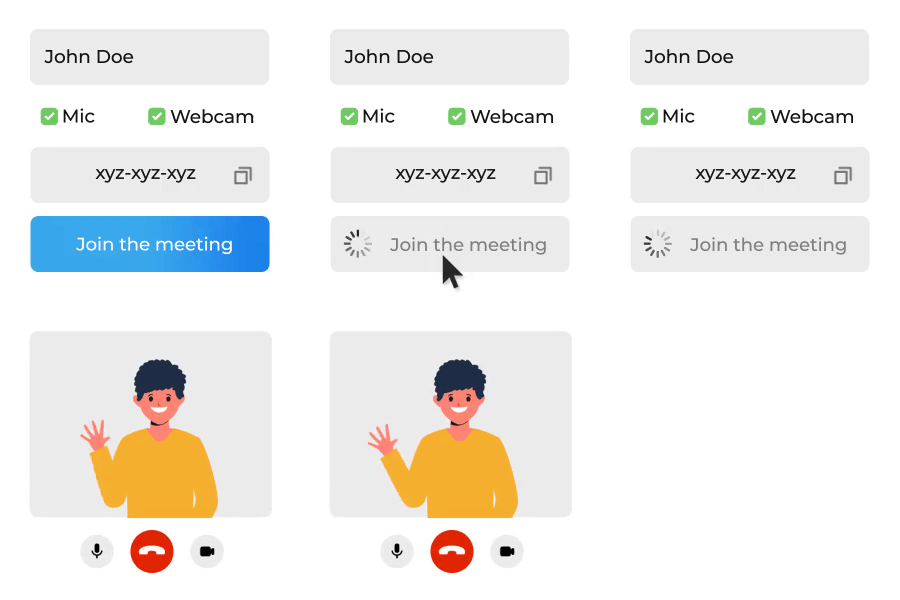
After configuration & initialization, the third step is to call join() to join a meeting.
After joining, you will be able to Manage Participant in a meeting.
import { useMeeting } from "@videosdk.live/react-sdk";

const MeetingView = () => {
  const { join } = useMeeting();

  const onPress = async () => {
    // Joining Meeting
    try {
      await join();
    } catch (err) {
      console.error("join failed:", err);
    }
  };

  return <>...</>;
};
Events
Following callbacks are received when a participant is successfully joined.
- Local Participant will receive a
onMeetingJoinedevent, when successfully joined. - Remote Participant will receive a
onParticipantJoinedevent with the newly joinedParticipantobject from the event callback.
function onMeetingJoined() {
  console.log("onMeetingJoined");
}

function onParticipantJoined(participant) {
  console.log(" onParticipantJoined", participant);
}

const {
  meetingId
  ...
} = useMeeting({
  onMeetingJoined,
  onParticipantJoined,
  ...
});
Got a Question?  Ask us on discord

